
A visit, given with care
For
Maya
From
Your name
Happy birthday, this day is yours
Choose and confirm a visit they will love. Then add their appointment details and a sunny little note to a card you can print and hand over.
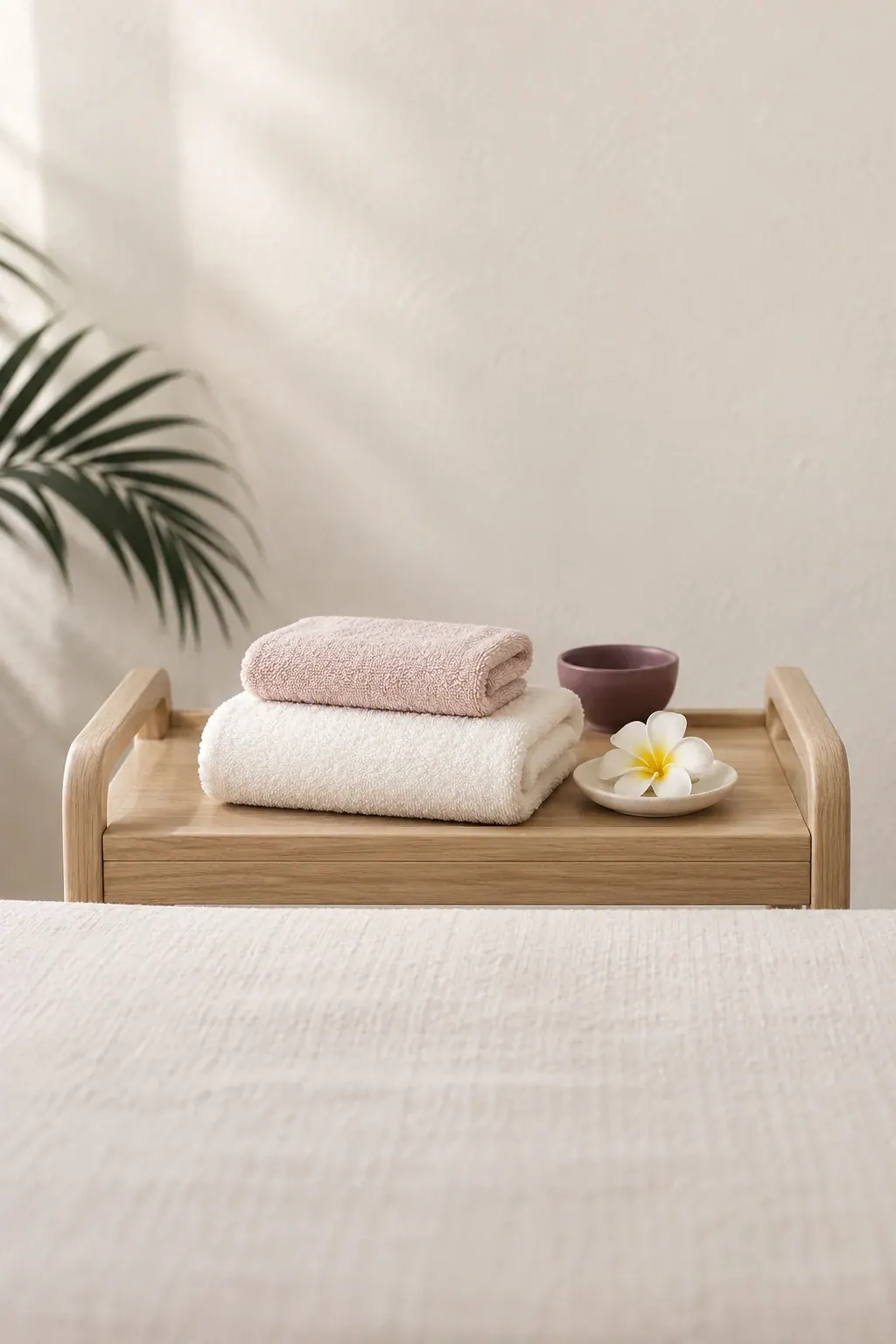
Arrange the treatment and confirm the appointment with Priya's Spa before making the card.
Copy the booked services, date and time from the official confirmation.
Choose a colour, write a personal message and print the finished keepsake.
This personal keepsake does not reserve an appointment, hold a monetary balance or establish payment. Refer to the official booking confirmation for the visit details.
Start with the confirmed date, time and treatments. Add a title and message; the keepsake takes shape as you go.
Your card is kept on this device while you work. Nothing is sent to us.
Use the confirmed details
Choose no more than 4 treatments from the confirmed booking.
Their treatments have not been added yet.
Add one or more confirmed treatments before the next step.
Use the confirmed details
Keep the card clear by adding no more than 4 services from the confirmed appointment.
Their treatments have not been added yet.
Record the confirmed visit
Copy the official confirmation's date and time. Changes to this keepsake do not verify or alter the appointment.
Check the appointment details (opens in a new tab)Make it personal
 You choose the words. We look after the visit.
Tell them why you chose this pause. For a celebration, a thank-you or no particular reason, your message gives the day its own meaning.
We can talk through the treatment choices and explain how to put the card together.
Talk through the giftOnce the appointment is confirmed with Priya's Spa. The card records your gift; it does not reserve a treatment or time.
It carries your personal message and appointment details, with no stored balance. It cannot be redeemed as payment or used to prove payment.
Your booking confirmation is the official record. Check its services, date and time before copying them into the card.
Arrange the change with Priya's Spa, then update the card to match the new confirmation and print another copy.
Yes. Choose Save as PDF in the print window, then send the file by WhatsApp or email, or ask a friend or a print shop to print it for you.
Only on your own device, so you can come back to it later. Nothing you write is sent to Priya's Spa, and you can start again at any time.
Arrange the treatment and confirm the time through the studio's booking service. Bring those details back here to personalise the card.